Create a customized biotech course in 5 easy steps!
Overwhelmed by trying to plan a biotech course? miniPCR’s team of biotech education experts is here to help!
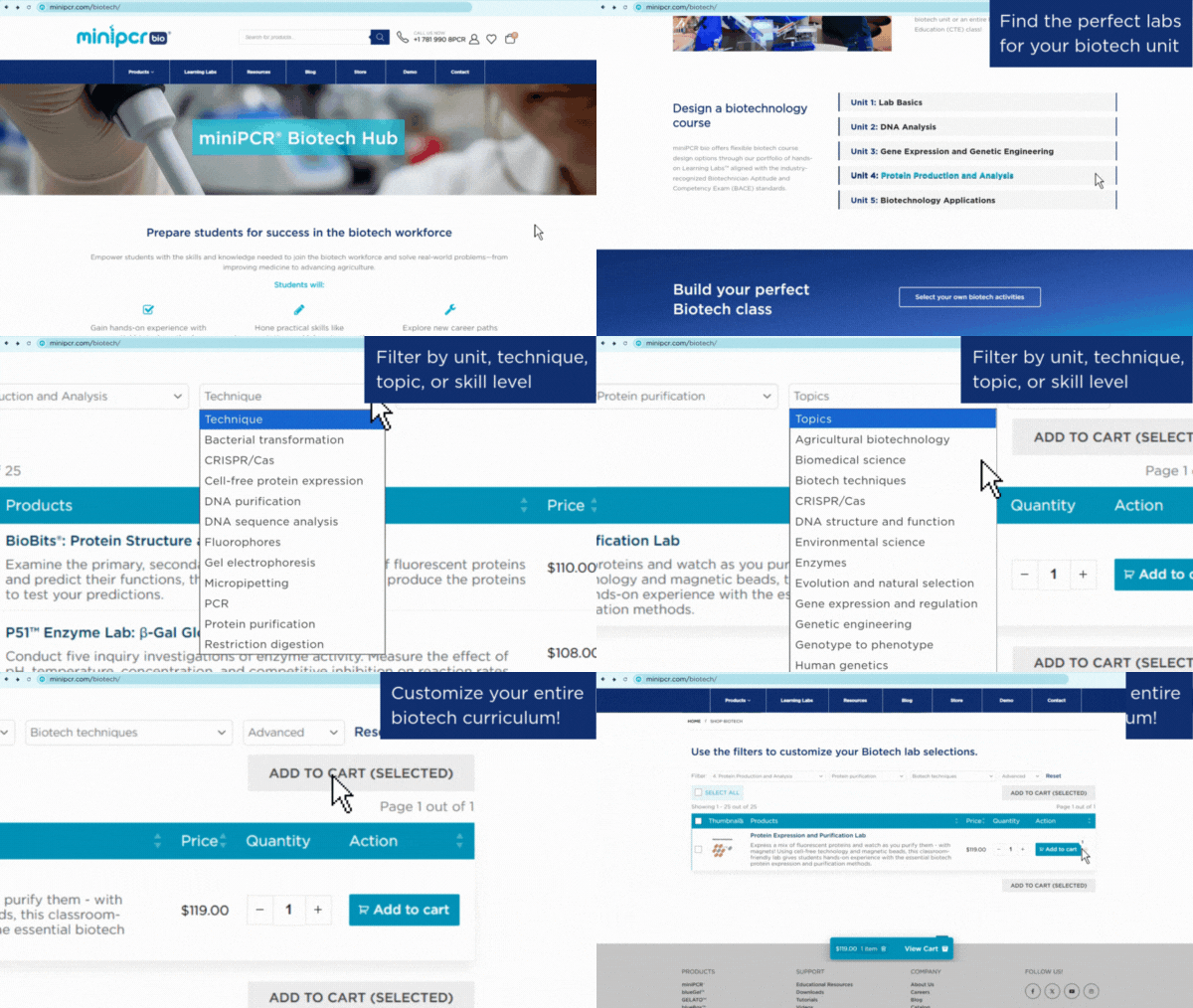
The new miniPCR® biotech course builder allows you to quickly and confidently design a customized biotech course in minutes. Just follow five simple steps:
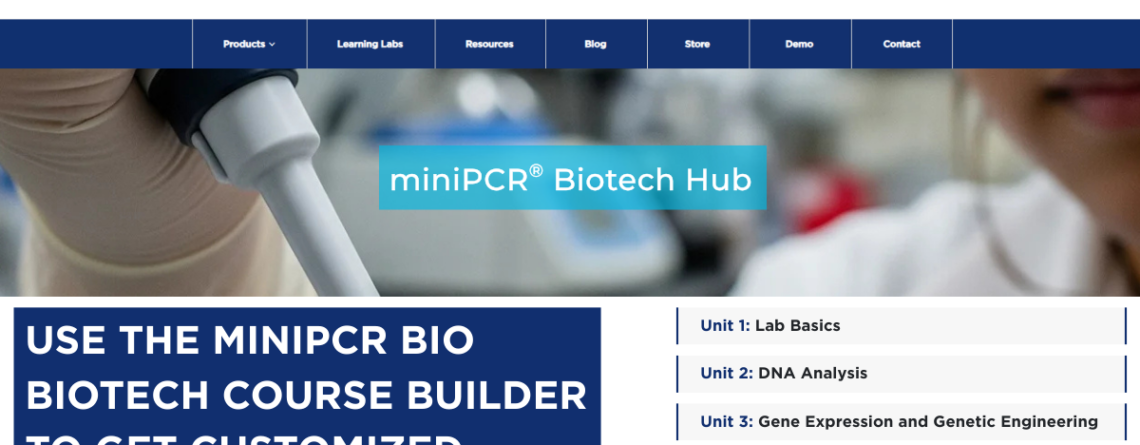
1. Go to the miniPCR® Biotech Hub and scroll down to “Design a biotechnology course.”
- We have laid out a suggested course progression of units that you can use to outline your own syllabus.
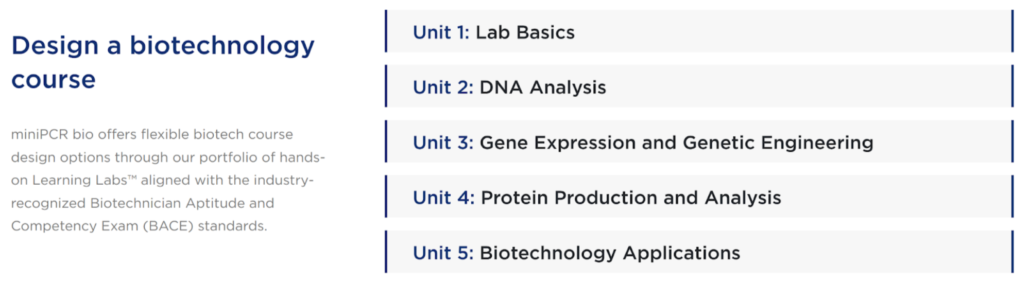
2. Expand a unit to see suggested lab activities.
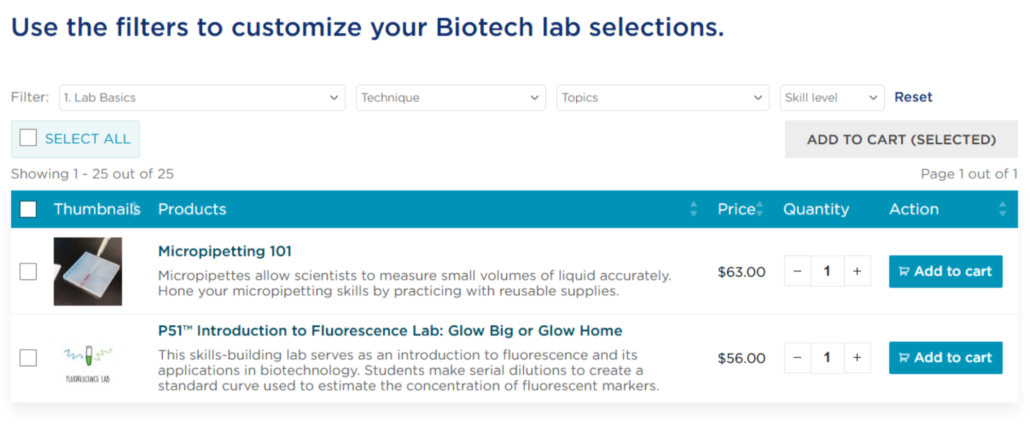
3. Filter by technique, topic, and/or skill level.
- Refine the suggested activities by filtering by technique, topic, and/or skill level to find the perfect labs for your class.
- You can click on any lab to access the full Instructor’s Guide from the product page.
4. Add your selected lab(s) to the cart.
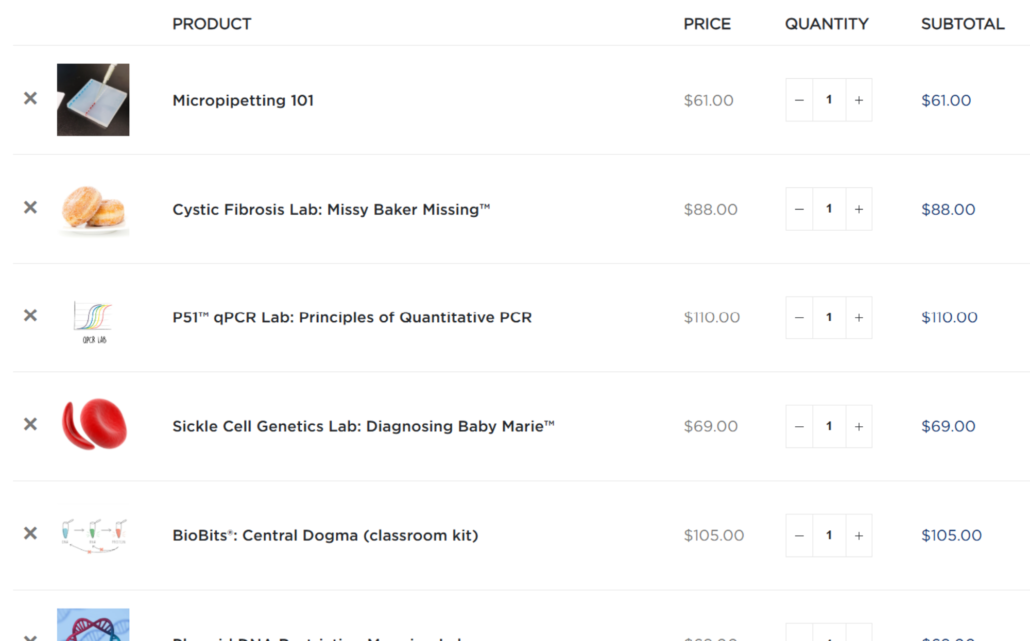
- After adding a lab to the cart, you can reset the filters and search for other labs.
- Love all the labs you see? Use the “Select All” checkbox to grab them all!
5. View cart to see all the labs for your syllabus!
- From here, you can adjust the quantity of labs you need (remember, most of our Learning Labs™ have enough reagents for 8 lab groups).
- Generate a quote or make a purchase by clicking “Proceed to checkout.”
After a few easy clicks, you will have built a customized biotech curriculum. If you still need help or have more questions, you can always schedule a free virtual meeting with one of our biotech education experts. Start building your ideal biotech course today!